7ff35caf28
- add `pull_policy: always` to all service definitions across all docker-compose files - ensure consistent image update behavior for all applications - maintain existing network configurations and external network settings - preserve all other service configurations and environment variables |
||
|---|---|---|
| .. | ||
| latest | ||
| README.md | ||
| data.yml | ||
| logo.png | ||

README.md
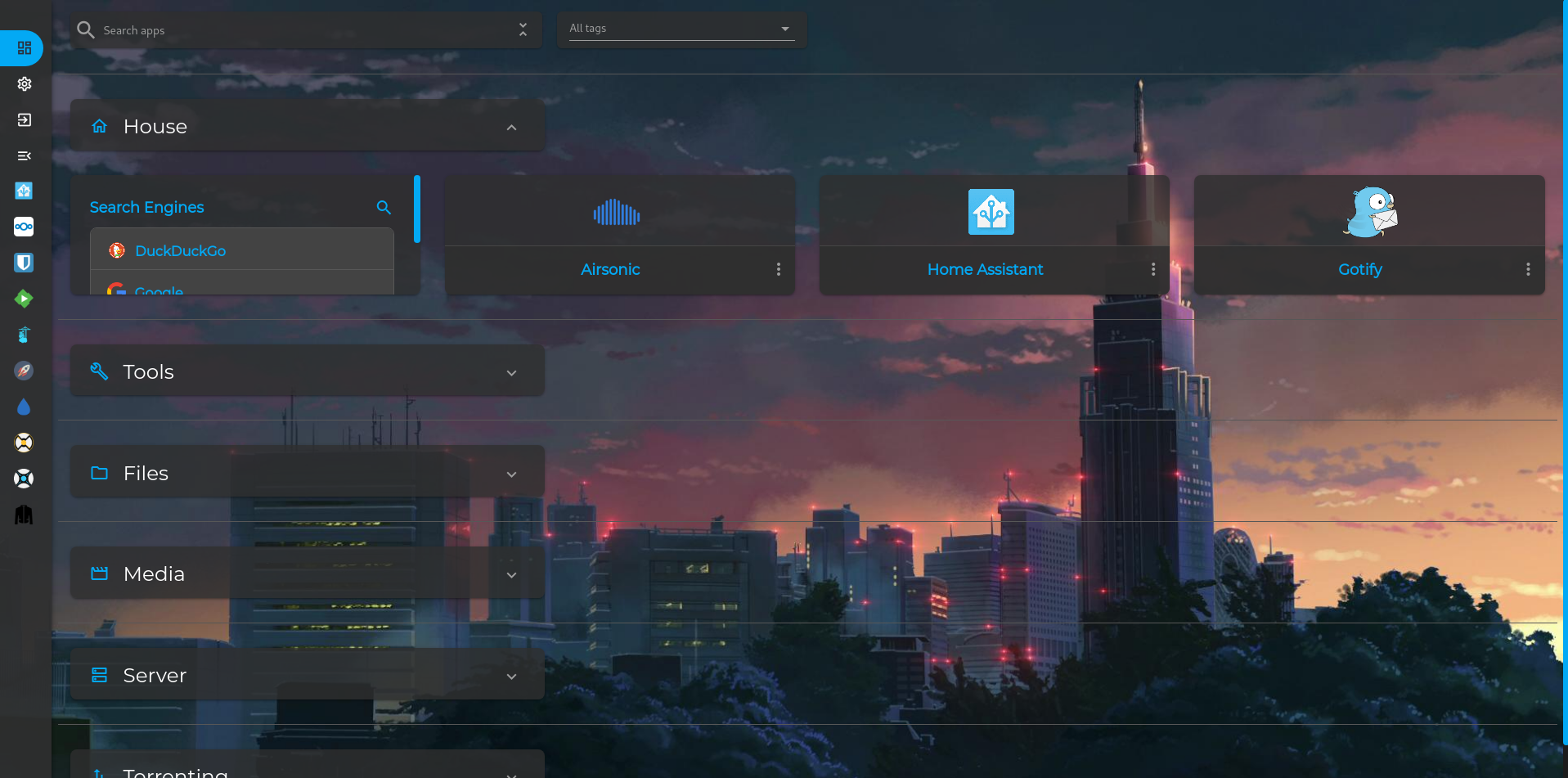
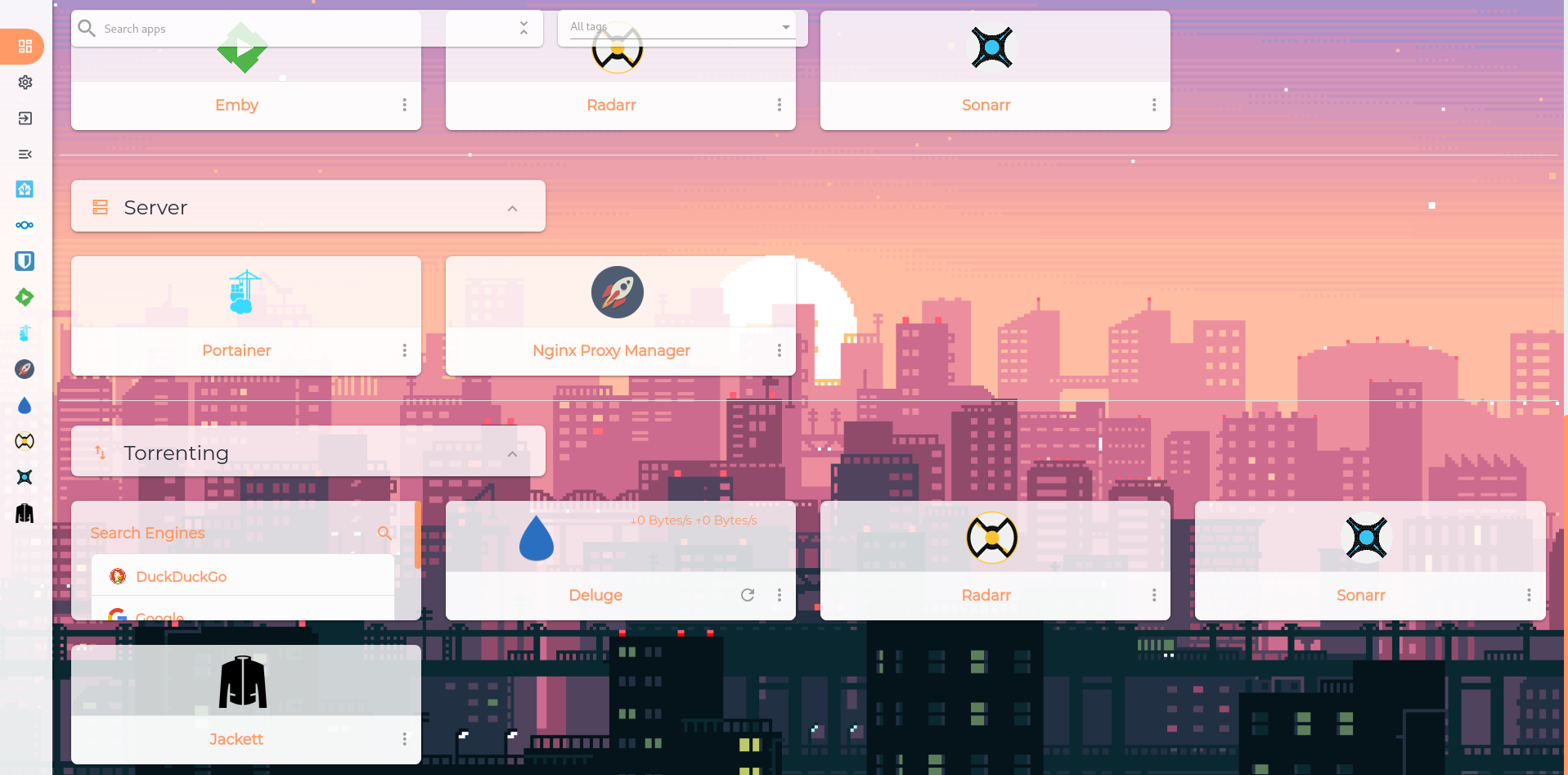
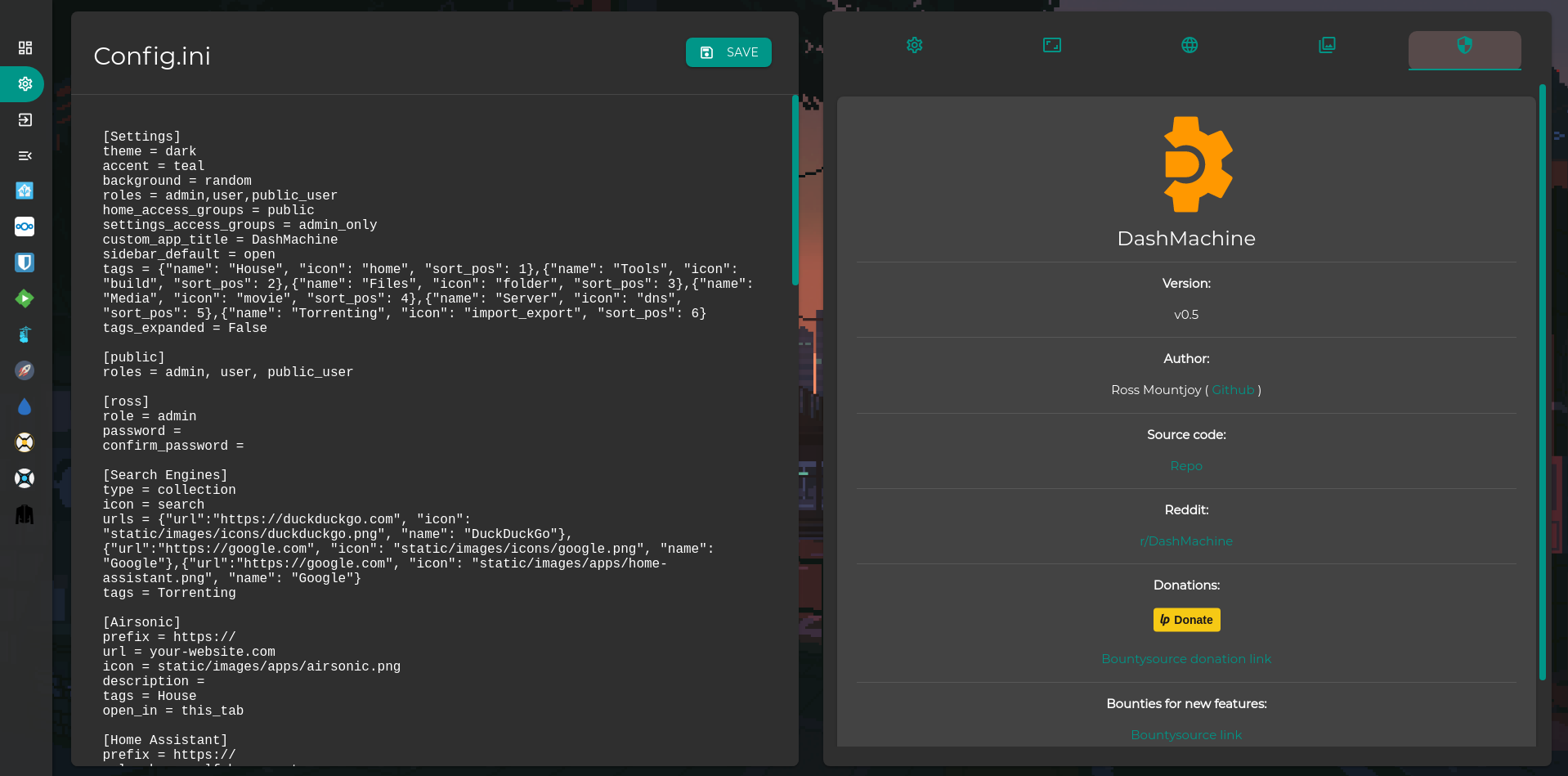
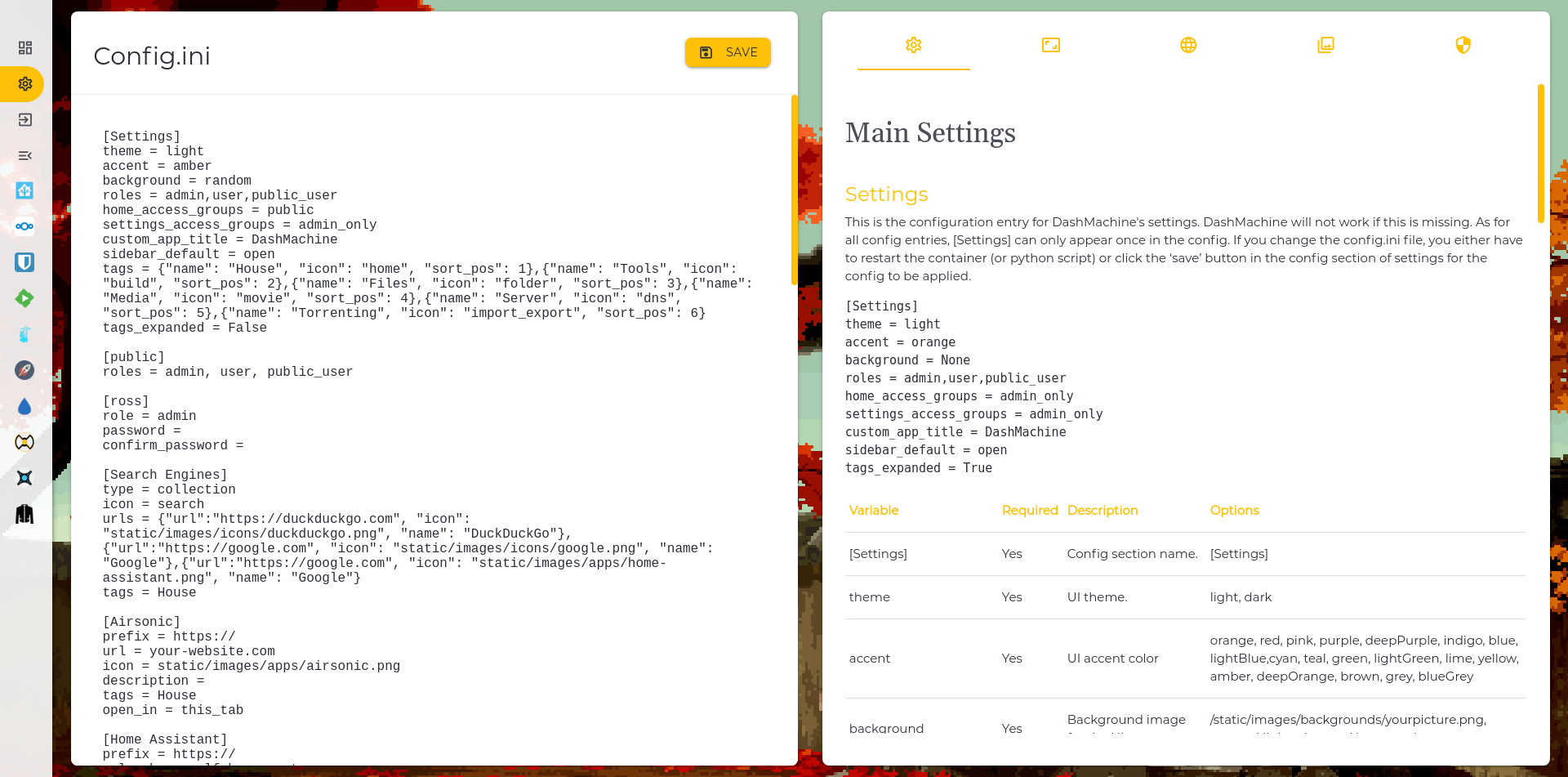
DashMachine
默认账号密码
User: admin
Password: admin
安装
Docker
docker create \
  --name=dashmachine \
  -p 5000:5000 \
  -v path/to/data:/dashmachine/dashmachine/user_data \
  --restart unless-stopped \
  rmountjoy/dashmachine:latest
To run in a subfolder, use a CONTEXT_PATH environment variable. For example, to run at localhost:5000/dash:
docker create \
  --name=dashmachine \
  -p 5000:5000 \
  -e CONTEXT_PATH=/dash
  -v path/to/data:/dashmachine/dashmachine/user_data \
  --restart unless-stopped \
  rmountjoy/dashmachine:latest
Synology
Check out this awesome guide: https://nashosted.com/manage-your-self-hosted-applications-using-dashmachine/
Python
Instructions are for linux.
virtualenv --python=python3 DashMachineEnv
cd DashMachineEnv && source bin/activate
git clone https://github.com/rmountjoy92/DashMachine.git
cd DashMachine && pip install -r requirements.txt
python3 run.py
Then open a web browser and go to localhost:5000
FAQs
- application does not work in iframe see https://github.com/rmountjoy92/DashMachine/issues/6
演示