 94637b7c0c
|
||
|---|---|---|
| .. | ||
| 0.2.0 | ||
| latest | ||
| README.md | ||
| README_en.md | ||
| data.yml | ||
| logo.png | ||
README_en.md
1Panel-Tools
Overview
1Panel-Tools is a specialized toolkit designed to simplify the process of creating applications for the 1Panel AppStore. The primary tool in this collection is the Docker Compose to 1Panel AppStore converter, which transforms standard Docker Compose files into the format required by the 1Panel AppStore.
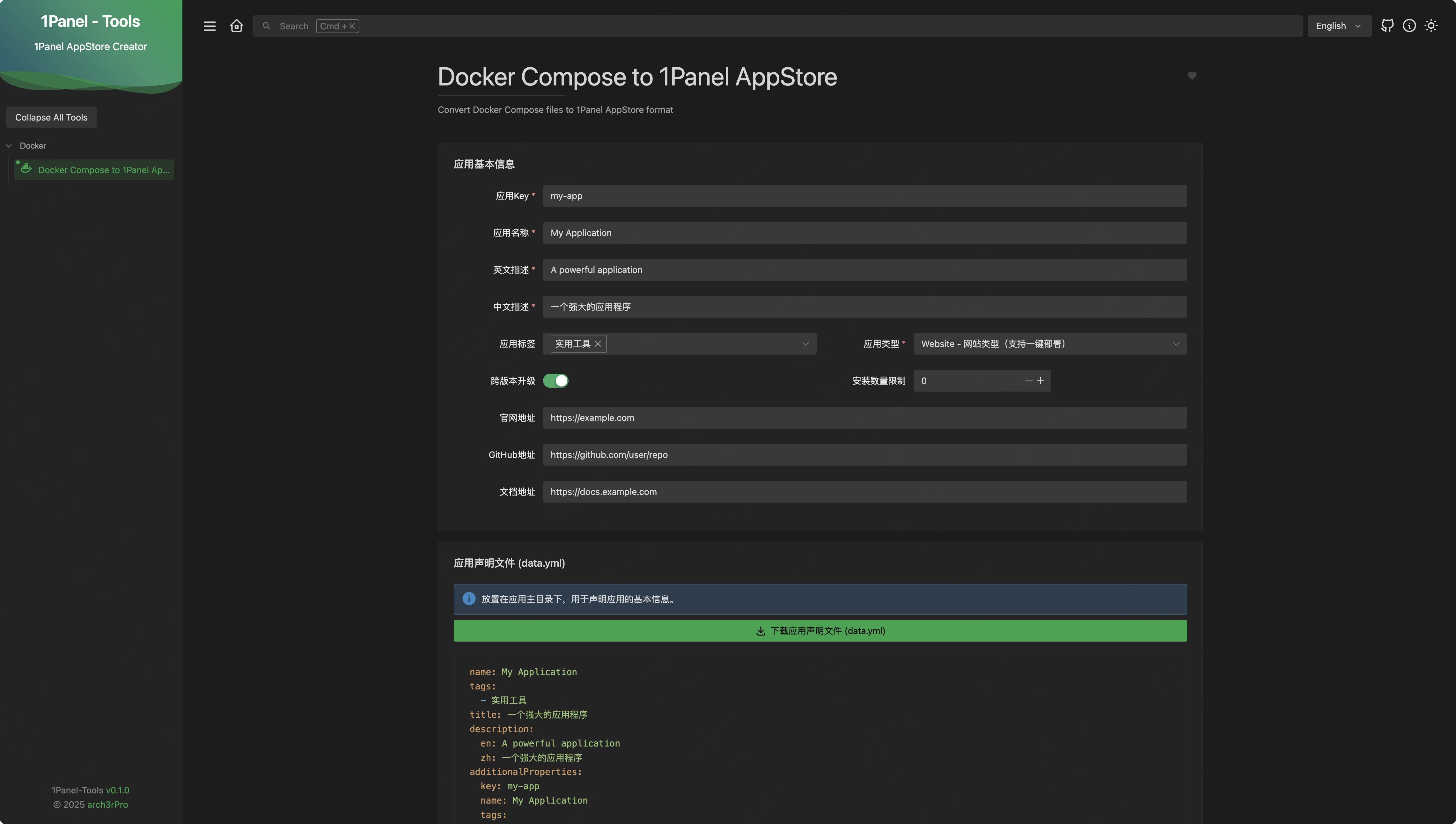


Features
- Docker Compose Conversion: Automatically convert Docker Compose files to 1Panel AppStore format
- Parameter Configuration: Easily define and manage application parameters
- Metadata Management: Set application name, description, tags, and other metadata
- Multi-language Support: Configure descriptions in both English and Chinese
- Export Functionality: Download the converted files ready for 1Panel AppStore submission
Usage
- Input Docker Compose: Paste your Docker Compose file into the editor
- Configure Application: Set the application name, key, description, and other metadata
- Define Parameters: Add parameters for your application (ports, environment variables, etc.)
- Preview Conversion: Review the generated 1Panel AppStore files
- Export: Download the converted files for use with 1Panel AppStore
1Panel AppStore Format
The converter generates files following the 1Panel AppStore format:
├── app-key/
    ├── logo.png
    ├── data.yml
    ├── README.md
    └── version/
        ├── data.yml
        ├── docker-compose.yml
        └── scripts/