38 lines
2.3 KiB
Markdown
38 lines
2.3 KiB
Markdown
# 使用说明
|
||
|
||
* 默认账户密码
|
||
|
||
```
|
||
username:admin
|
||
password:admin
|
||
```
|
||
|
||
# 原始相关
|
||
|
||

|
||
|
||
|
||
|
||
[](https://github.com/filebrowser/filebrowser/actions/workflows/main.yaml) [](https://goreportcard.com/report/github.com/filebrowser/filebrowser) [](http://godoc.org/github.com/filebrowser/filebrowser) [](https://github.com/filebrowser/filebrowser/releases/latest) [](http://webchat.freenode.net/?channels=%23filebrowser)
|
||
|
||
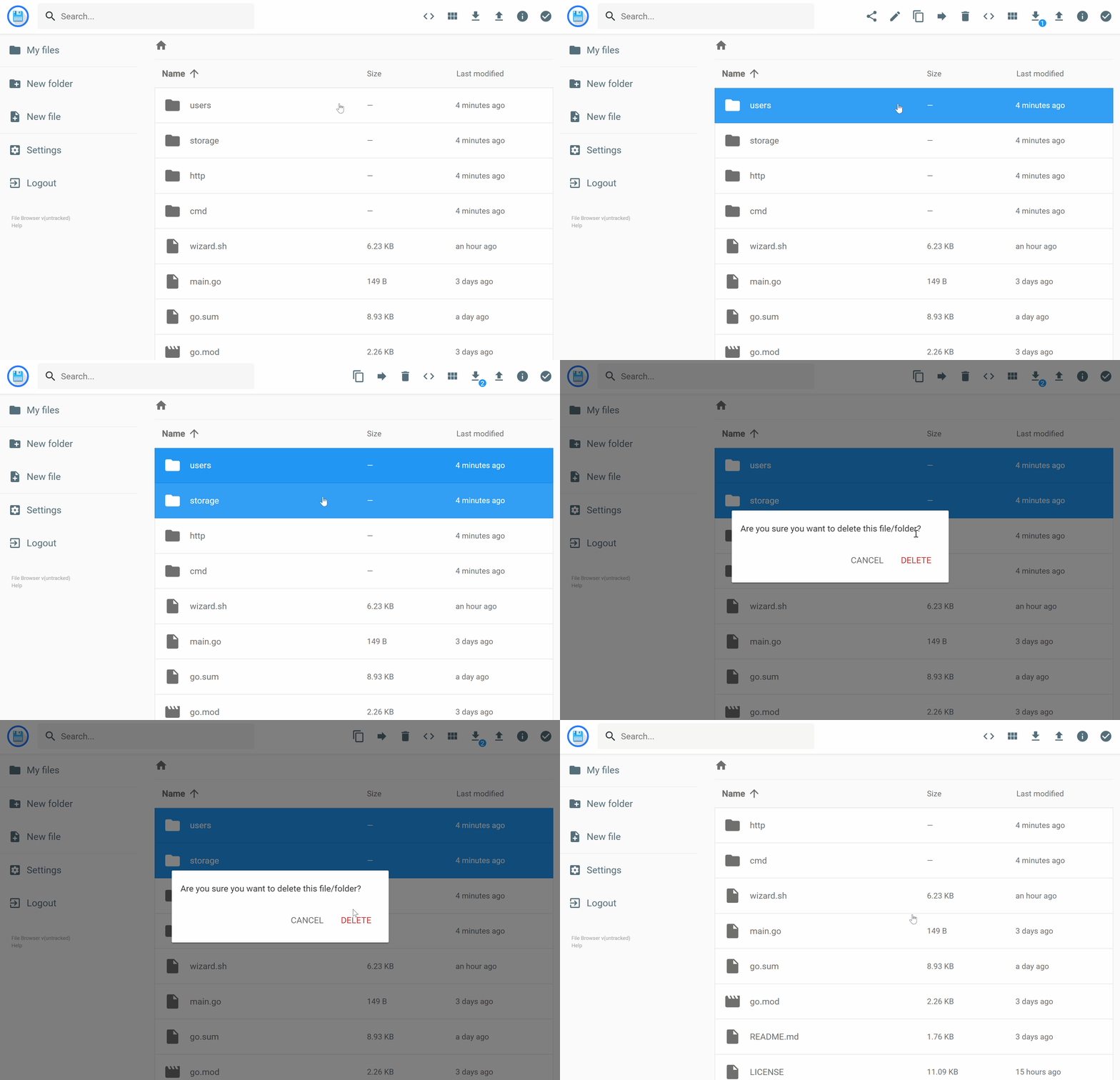
filebrowser 在指定目录内提供了一个文件管理界面,可用于上传、删除、预览、重命名和编辑您的文件。它允许创建多个用户,每个用户都可以拥有自己的目录。它可以作为一个独立的应用程序使用。
|
||
|
||
## 功能
|
||
|
||
请参阅我们的文档:[https://filebrowser.org/features](https://filebrowser.org/features)
|
||
|
||
## 安装
|
||
|
||
有关安装说明,请参阅我们的文档:[https://filebrowser.org/installation](https://filebrowser.org/installation)。
|
||
|
||
## 配置
|
||
|
||
[认证方法](https://filebrowser.org/configuration/authentication-method) \- 您可以更改用户与 filebrowser 服务器进行认证的方式
|
||
|
||
[命令运行器](https://filebrowser.org/configuration/command-runner) \- 命令运行器是一个功能,允许你在某个事件之前或之后执行任何你想要的 shell 命令。
|
||
|
||
[自定义品牌](https://filebrowser.org/configuration/custom-branding) \- 你可以通过更改其名称为任何你想要的,添加全局自定义样式表以及使用你自己的标志(如果需要)来自定义你的文件浏览器安装。
|
||
|
||
## 贡献
|
||
|
||
如果你有兴趣为这个项目做出贡献,我们的文档是最好的起点 [https://filebrowser.org/contributing](https://filebrowser.org/contributing). |